Images are still the starting point for much of the internet, but the way people use visual assets is changing. AI video tools are helping creators turn static designs, product shots, illustrations, and social graphics into moving content that is easier to test and share.
For years, a good image was enough for many digital projects. A clean product photo could support an ecommerce page. A transparent PNG could make a banner more useful. A simple illustration could explain an idea in a blog post. Static visuals are still important, but audiences now expect more motion in almost every channel.
That shift has changed the way creators think about visual content. A still image may be the beginning of the story, not the final format. The same product shot can become a short teaser. A character illustration can become a moving scene. A graphic made for a blog can become a short social clip. The challenge is finding a workflow that makes this possible without turning every idea into a full production job.
This is why AI video is becoming useful for designers, marketers, small businesses, and content teams. It gives people a way to test motion from assets they already have. Instead of starting with cameras, actors, locations, or complex editing software, they can begin with images, references, and a written brief.
Why Static Assets Still Matter
The rise of AI video does not make still images less valuable. In many cases, it makes them more important. A clear image gives the video model something concrete to follow. It can define the product, character, color palette, style, or composition before motion is added.
For visual creators, that is a big difference. Text can describe a scene, but it cannot always preserve the exact look of a product, icon, background, or illustration. An image reference helps keep the generated video closer to the original creative direction.
This is especially useful when a creator wants consistency. A brand does not want its product to change shape across frames. An artist does not want a character to lose its identity. A publisher does not want a visual style to drift away from the article or campaign it supports.
Where Seedance Fits Into the Workflow
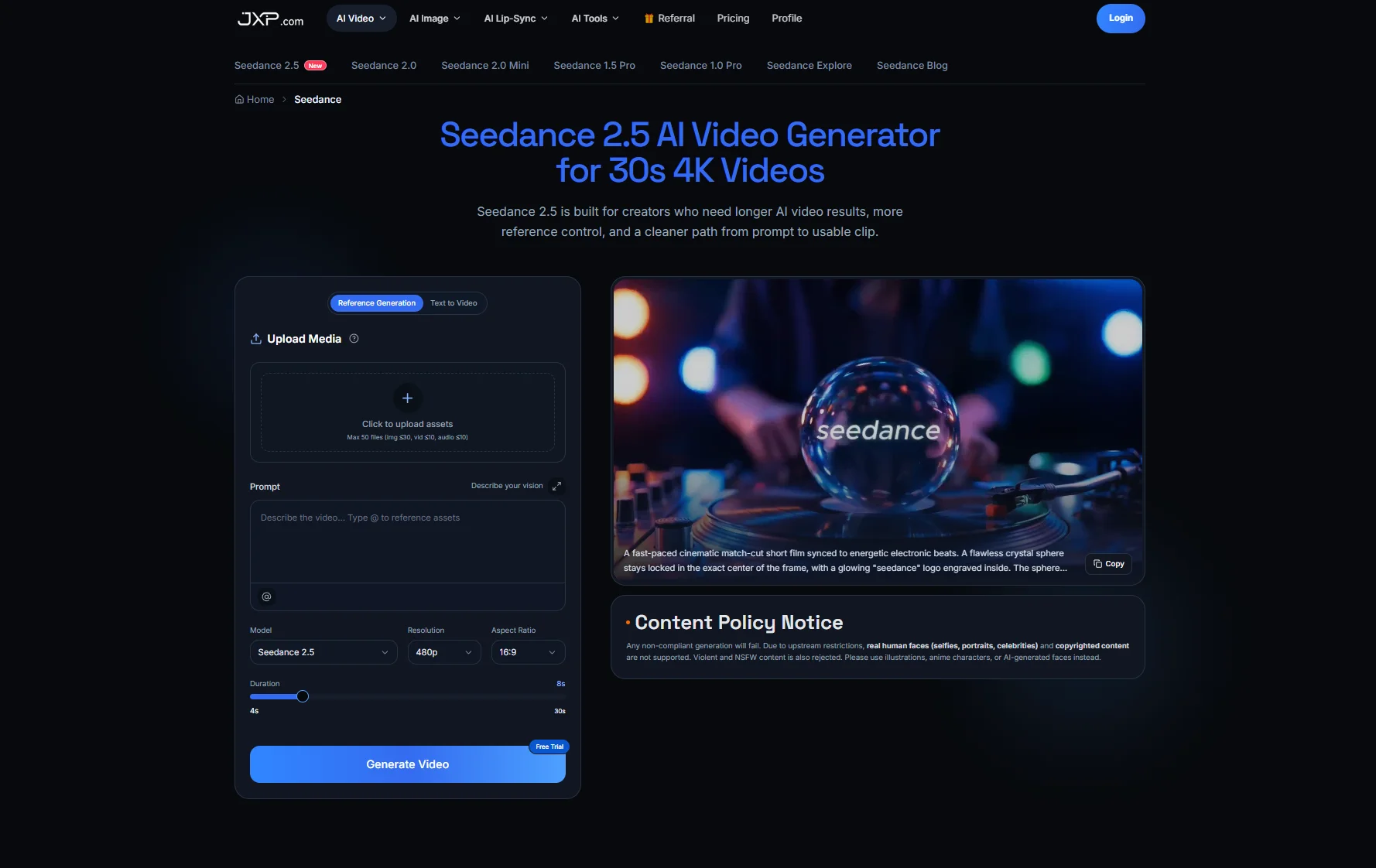
On JXP, Seedance AI Video Generator is built around a practical creative workflow: users can work from prompts, references, uploaded assets, and video generation settings rather than relying on text alone. That makes it relevant for people who already have visual materials and want to explore how those materials might move.
The value is not only in creating a finished clip instantly. Often, the first useful output is a draft. A creator can see whether the product reveal works, whether the camera movement feels right, whether the visual style matches the brand, and whether the idea is worth developing further.
For small teams, this kind of early draft can save time. Instead of debating an abstract idea, people can review a moving version of the concept. That makes feedback more specific and helps the team decide what to refine next.
Image-to-Video Is Useful for Everyday Content
Image-to-video workflows are useful because many content ideas already begin as images. A restaurant may have menu photography. A fashion brand may have product shots. A blogger may have illustrations. A creator may have a character design or a thumbnail concept.
Turning those assets into motion can make them more useful across modern channels. A product photo can become a short reveal. A location image can become a mood-setting clip. A graphic can become a lightweight explainer. An illustration can become a scene for social media.
The key is to keep the goal clear. The video does not need to do everything. It might only need to catch attention, explain a visual idea, or give a static asset a more dynamic presentation. That is often enough for a social post, product page, ad test, or blog promotion.
Better Prompts Start With Better Visual Direction
A common mistake with AI video is treating the prompt as the entire creative plan. A prompt is important, but it works better when the creator already knows what the image should become. Should the camera move closer? Should the product rotate? Should the character walk? Should the background change slowly? Should the scene feel calm, cinematic, playful, or commercial?
Good prompts describe the subject, action, camera movement, lighting, style, and ending. Good reference materials help anchor the parts that should not change. When both are used together, the result is usually easier to review.
This is where visual content teams can benefit from a simple process. Start with one clear asset. Decide what the motion should communicate. Add only the references that matter. Then review the output based on whether it supports the original purpose.
Practical Uses for Creators and Brands
AI video is most useful when it solves a real content problem. A creator might want to test several intros for a YouTube video. A store owner may need a moving hero section for a landing page. A designer might want to present a concept in motion before committing to a full animation. A marketer may need quick video variations for social platforms.
In these cases, the goal is not to replace creative judgment. The goal is to move faster from a static asset to a testable idea. The best AI-generated draft still needs human review. Someone has to decide whether the motion feels natural, whether the visual identity stayed intact, and whether the clip communicates clearly.
A workflow such as Seedance image-to-video creation is strongest when creators treat it as part of the planning process. It helps turn still visuals into motion, but the creator still decides what the motion should mean.
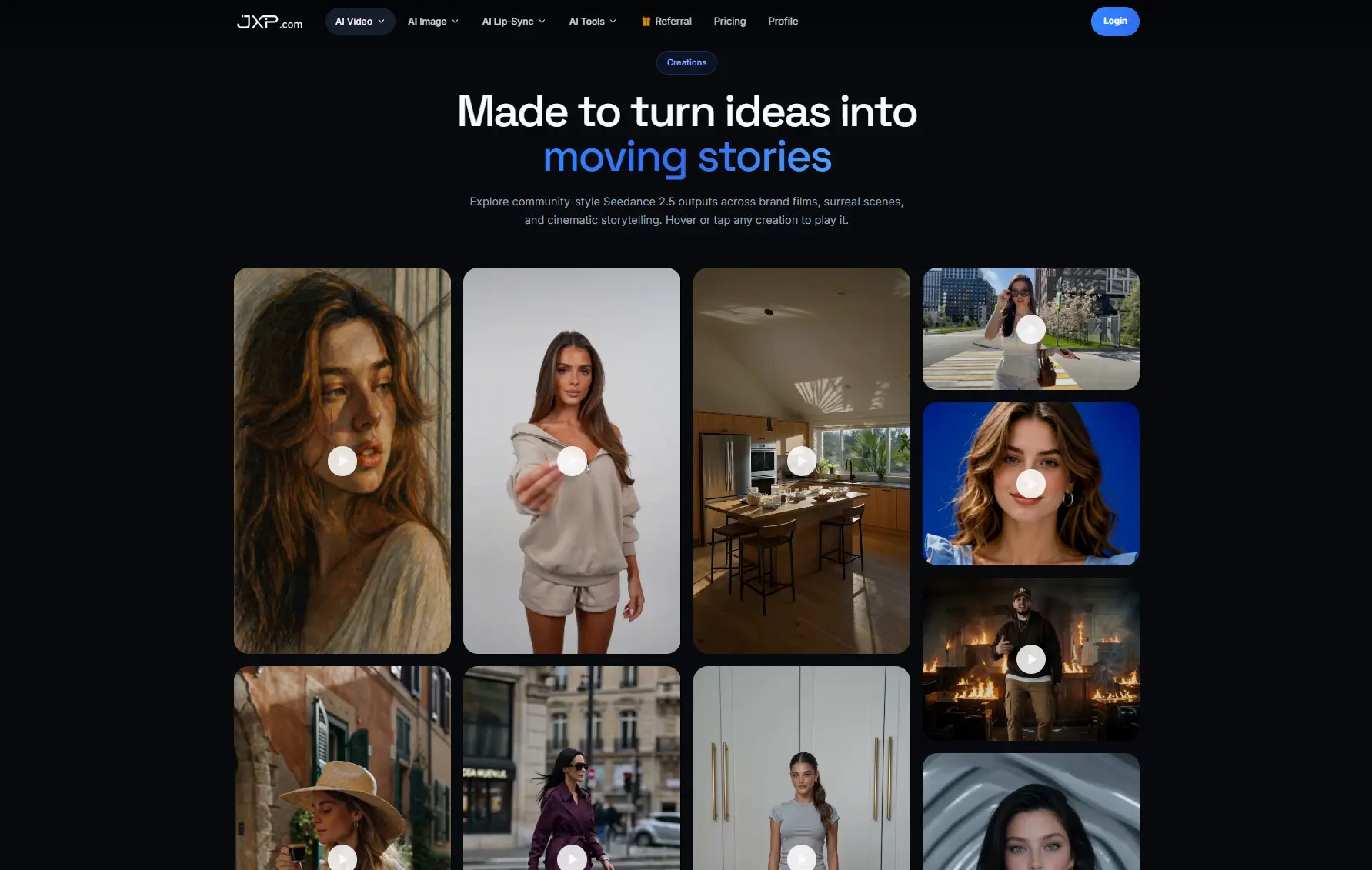
What to Check Before Using the Output
Not every generated video should be published immediately. A quick review helps avoid common problems. The subject should remain recognizable. The motion should support the message. The clip should have a clear beginning and ending. If the video is for a product, the object should not distort in a way that misleads viewers.
Creators should also check whether the video fits the platform. A short vertical clip for social media needs a different rhythm than a horizontal product banner or a blog feature image turned into motion. The same visual asset may need different outputs depending on where it will appear.
It also helps to keep notes. Save the original image, the prompt, the settings, and the final draft together. If the first result is close but not quite right, those notes make it easier to adjust the next version instead of starting over.
Final Thoughts
AI video is changing visual content creation because it gives static assets a second life. Images, PNGs, product shots, illustrations, and graphics can become moving drafts that help creators test ideas faster.
Seedance on JXP fits this shift by giving creators a way to combine prompts, uploaded assets, and reference-based video generation in one workflow. For people who already work with images every day, that can make the jump from still content to motion feel more manageable.
The most useful approach is simple: start with a strong visual asset, give the video a clear purpose, use references carefully, and review the result like any other creative draft. Motion is powerful, but it works best when it has direction.